Choosing a Mode Before You Set Up
Mode | Accuracy | Transmission range | Battery life | Power draw |
|---|---|---|---|---|
Base Station | 1.0cm + 1ppm horizontal, 3.0cm + 1ppm vertical (network RTK calibrated) | 15km to Matrice 4 Series aircraft | 7 hrs | 7W |
Relay Station | Not a positioning mode, extends signal range | 25km aircraft to relay, 1km recommended (3km max) relay to controller | 4 hrs | 14.5W |
Rover Station | 0.8cm + 1ppm horizontal, 1.5cm + 1ppm vertical, RTK Fixed | Bluetooth 5.1, 30m to controller/app | 10 hrs | 6.2W |
Setting Up as a Base Station
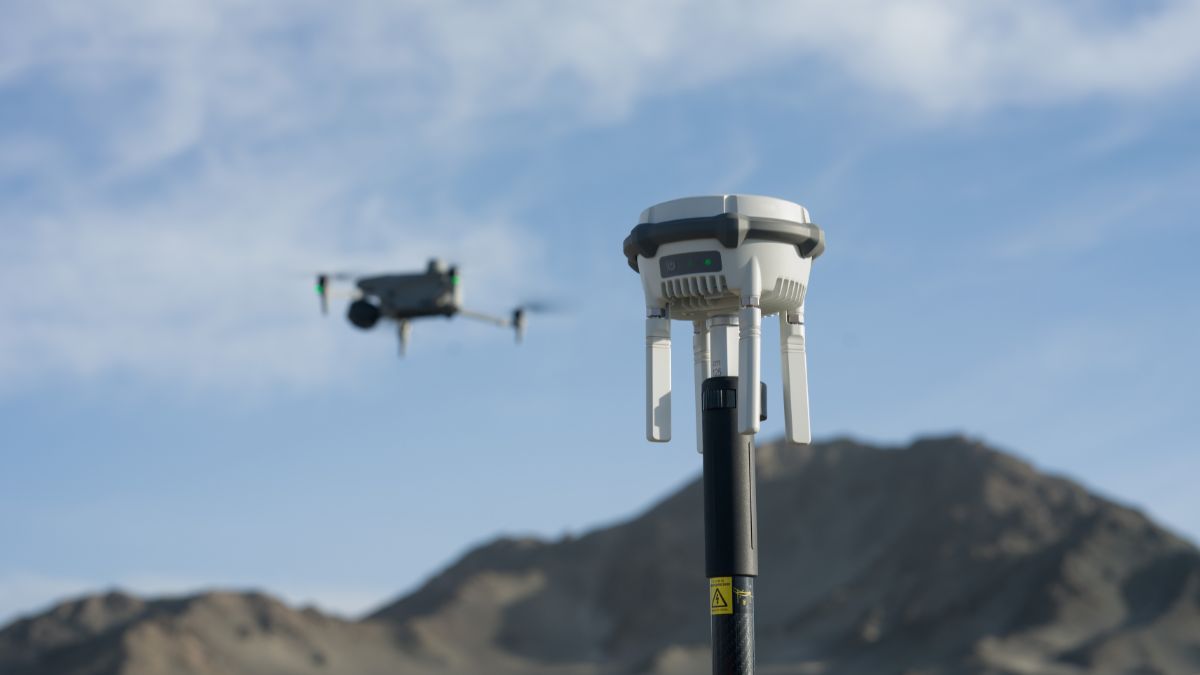
Position the unit in open ground with a clear view of the sky over both the survey area and the takeoff point. The station monitors its own position continuously once set and raises a displacement warning if it's knocked or moved after coordinates are locked in, worth checking if a reading looks off partway through a job.
Three calibration methods are available: network RTK calibration, PPP calibration, or manual entry against a known point. Network RTK calibration is the fastest for a one-off site with signal coverage; a known point suits a location the crew returns to repeatedly.
Pairing to the aircraft uses Broadcast Mode: on the aircraft's RTK settings page, select D-RTK Base Station as the correction source, then choose the specific unit from the scanned list. Once paired, later flights reconnect automatically without repeating the selection.

Setting Up as a Relay Station
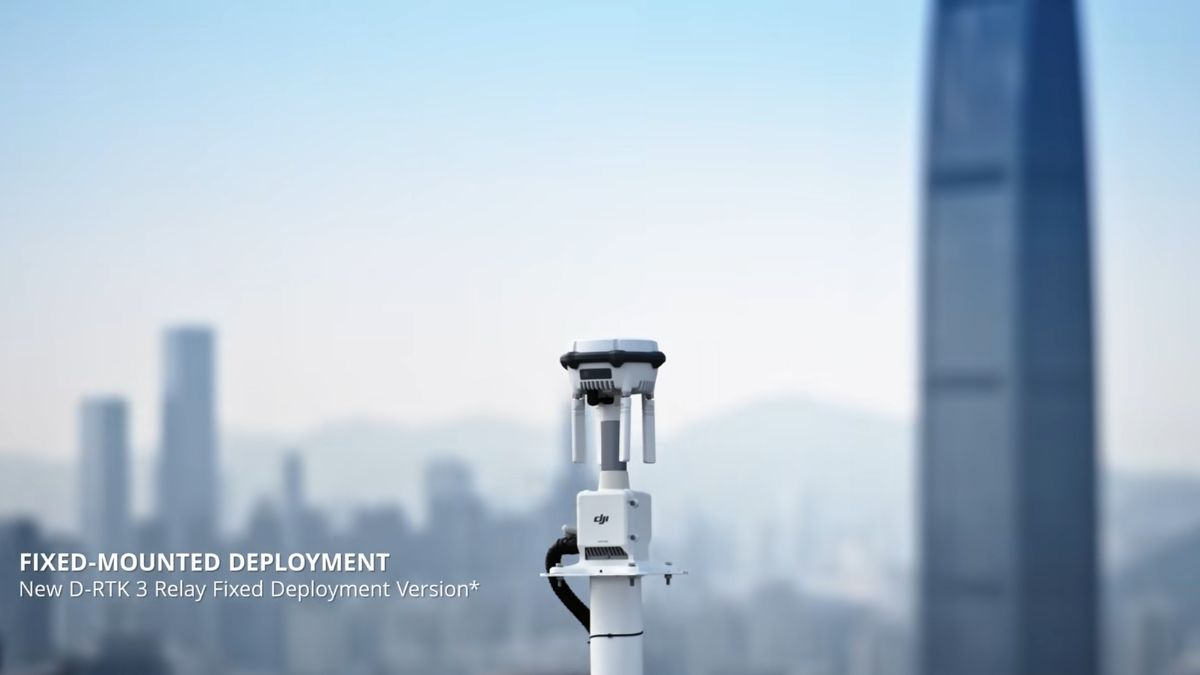
Pairing works differently in this mode: press and hold the power button for 5 seconds to enter linking mode, rather than the Broadcast Mode pairing used for base station. Relay mode doesn't improve positioning accuracy on its own; it extends the operational range between aircraft and controller, and between aircraft and DJI Dock 2, in terrain that would otherwise degrade the link. DJI's own testing puts the improvement at 3 to 5 times in heavily obstructed scenarios.
Setting Up as a Rover Station
The rover pairs over Bluetooth 5.1 to a mobile device running the DJI Enterprise app, within 30m range, for handheld ground control point capture. Broadcast and relay modes use the WGS84 coordinate system by default; rover mode can convert to a local grid through the app's built-in coordinate conversion feature.


Switching Between Modes
Three ways to change mode on the same unit: press the power button three times in sequence, connect the station to a remote controller by USB-C and switch inside DJI Pilot, or use DJI Assistant 2 (Enterprise Series) from a computer.
Matching Mode to the Job
Base station mode suits a site running more than one aircraft off a single correction source, or any job where the station stays in one fixed spot for the day. Relay mode suits obstructed terrain or a Dock 2 deployment where the limiting factor is signal range rather than positioning accuracy. Rover mode suits ground control point capture on its own, without flying, an alternative to a separate GNSS rover for a team that already owns a D-RTK 3 for base station work.

RTK Network Subscription - 1Y Unlimited
More than 7,500 base stations · Accuracy of 1.5cm with EU Certification
 Free Gifts Included

 Free Gifts Included
Common Questions
Yes, base station mode broadcasts to multiple aircraft simultaneously rather than pairing to a single unit.
Base and rover modes both need a stable, level mount for accurate results; the kit is built for that and is sold separately from the station itself.
Range. Relay mode extends the link between aircraft, controller and Dock 2 in obstructed terrain; it isn't a positioning correction source.
The unit monitors its own position continuously and raises a displacement warning if it detects movement, worth checking mid-job if a reading looks inconsistent.
The subscription is a network RTK correction service, relevant when the station (or an aircraft directly) pulls corrections over the internet rather than from the D-RTK 3 acting as its own physical base.