

Three Ways to Position the Base
Method | Accuracy | Requires | Best for |
|---|---|---|---|
Known coordinates | Centimetre, absolute | A previously surveyed point or benchmark | Work that must align with existing survey control |
Averaged in FIX | Centimetre, absolute | An NTRIP correction source while averaging | A new accurate point where no benchmark exists but network coverage does |
Averaged in SINGLE | Metre-level absolute; centimetre relative between points | No corrections at all | Area, distance or relative-position work where absolute position doesn't matter |
Known coordinates and averaged in FIX both produce a base position accurate to survey control. Averaged in SINGLE skips that step entirely: the base position itself may be out by several metres, but every point measured off it stays consistent relative to the others, which is enough for boundary checks and site layout that doesn't need to align with an external coordinate system.
Linking Base to Rover: LoRa, UHF or NTRIP
Link method | RS3 as base | RS4 / RS4 Pro as base | Range | UK licensing |
|---|---|---|---|---|
LoRa | Yes, up to 0.1W | Yes, up to 1W | Several kilometres, terrain-dependent | Licence-exempt in the 868MHz band at typical GNSS output power; confirm your power setting stays within Ofcom's exempt limits |
UHF | No, receive only | Yes, up to 2W | Longer than LoRa at full power | Often requires an Ofcom licence at higher UHF output; confirm before running at full power |
NTRIP (Local or Caster) | Yes | Yes | Governed by WiFi or internet connection, not radio | No radio licensing; Local NTRIP needs no internet, Emlid Caster does |
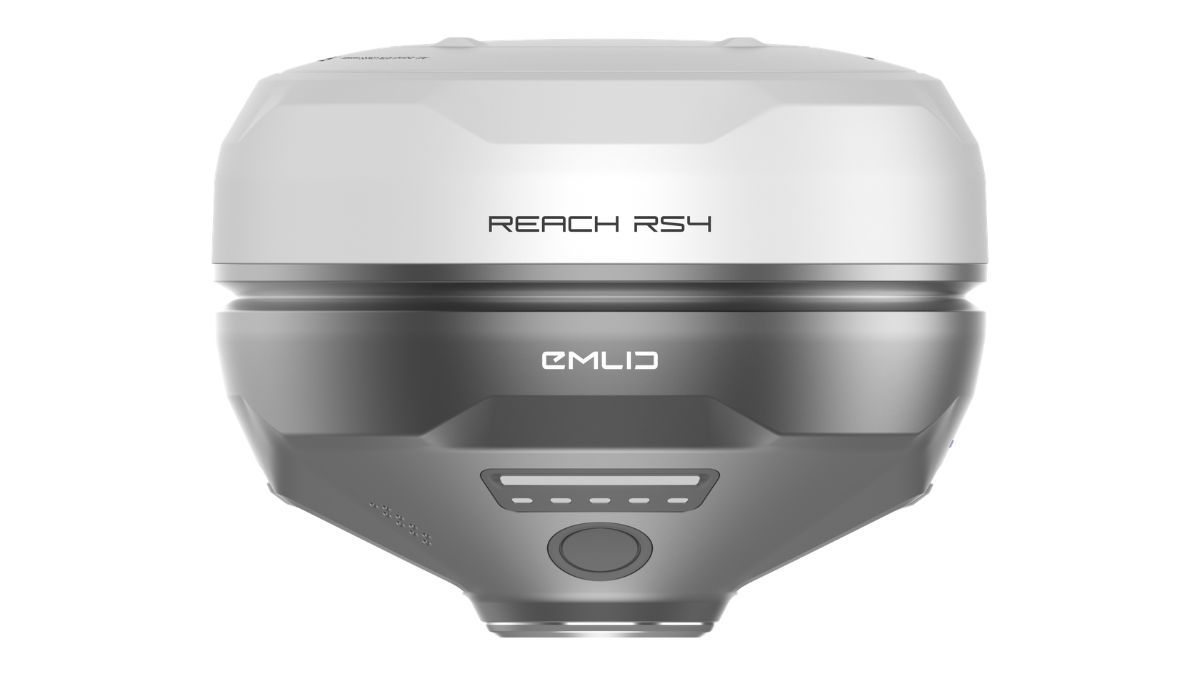
The RS3's UHF radio cannot transmit, so an RS3 base is a LoRa or NTRIP base only. The RS4 and RS4 Pro support all three, including UHF as a base at up to 2W where licensing allows it.

Setting Up the Base
In Emlid Flow, connect to the receiver you're using as base and rename it something identifiable, "site-base" is clearer on a multi-unit job than the default name. Set the GNSS systems and update rate, then choose the base position method from the table above.
Select the correction output next: LoRa or UHF radio, or NTRIP if the rover will connect over WiFi or the internet instead. For radio output, the frequency and power settings entered here need to match what the rover expects exactly, a mismatch on either side means no corrections arrive at all.
Setting Up the Rover
On the rover, match the base's GNSS systems and set a 5 Hz update rate. Under correction input, select the same method configured on the base, LoRa, UHF or NTRIP, and enter matching frequency and power for radio, or the NTRIP address and credentials for a network link.
Once configured, the rover's status screen shows whether it's receiving corrections at all before it shows whether those corrections have resolved to a fix.
Reading the Fix Status
Three states appear on the rover's status screen. SINGLE means no corrections are being applied and the position is standalone GNSS accuracy, several metres. FLOAT means corrections are arriving and partially resolved, accuracy somewhere between centimetres and a metre. FIX means full resolution, centimetre-level accuracy, and the point the rover reports is safe to record.
A rover that stays in FLOAT rather than progressing to FIX usually points to a radio link that's too weak, obstructed sky view, or a base and rover GNSS setting mismatch, checking those three in order resolves most stuck fixes.
Choosing Between LoRa, UHF and NTRIP for Your Site
LoRa suits most UK sites without existing network coverage. It's licence-exempt at typical power, works on both the RS3 and RS4 generation, and covers several kilometres depending on terrain.
UHF at full power extends that range further on the RS4 and RS4 Pro, but the licensing check applies before relying on it, and it isn't available at all as a base option on the RS3.
NTRIP suits sites with reliable WiFi or mobile coverage, or where the base and rover are working from a fixed location rather than moving across a large site. Local NTRIP needs no internet connection; Emlid Caster does, routing the link through Emlid's cloud service instead of a direct radio path.

RTK Network Subscription - 1Y Unlimited
More than 7,500 base stations · Accuracy of 1.5cm with EU Certification
 Free Gifts Included

 Free Gifts Included
Common Questions
Yes, over LoRa or NTRIP. UHF is not available since the RS3 cannot transmit on that radio.
Averaged in FIX if you have NTRIP coverage during setup, for an absolute centimetre-accurate position. Averaged in SINGLE if you don't, accepting metre-level absolute accuracy with centimetre accuracy between points.
Once corrections are reaching the rover and sky view is clear, resolution typically takes well under a minute. A longer wait usually means a link or settings problem rather than normal convergence.
Not usually, at the power levels these receivers use in the licence-exempt 868MHz band, but confirm your specific power setting against current Ofcom allowances before relying on it.
No. Update rate and satellite systems need to match on both units, or the rover will not resolve to FIX even with a strong correction link.